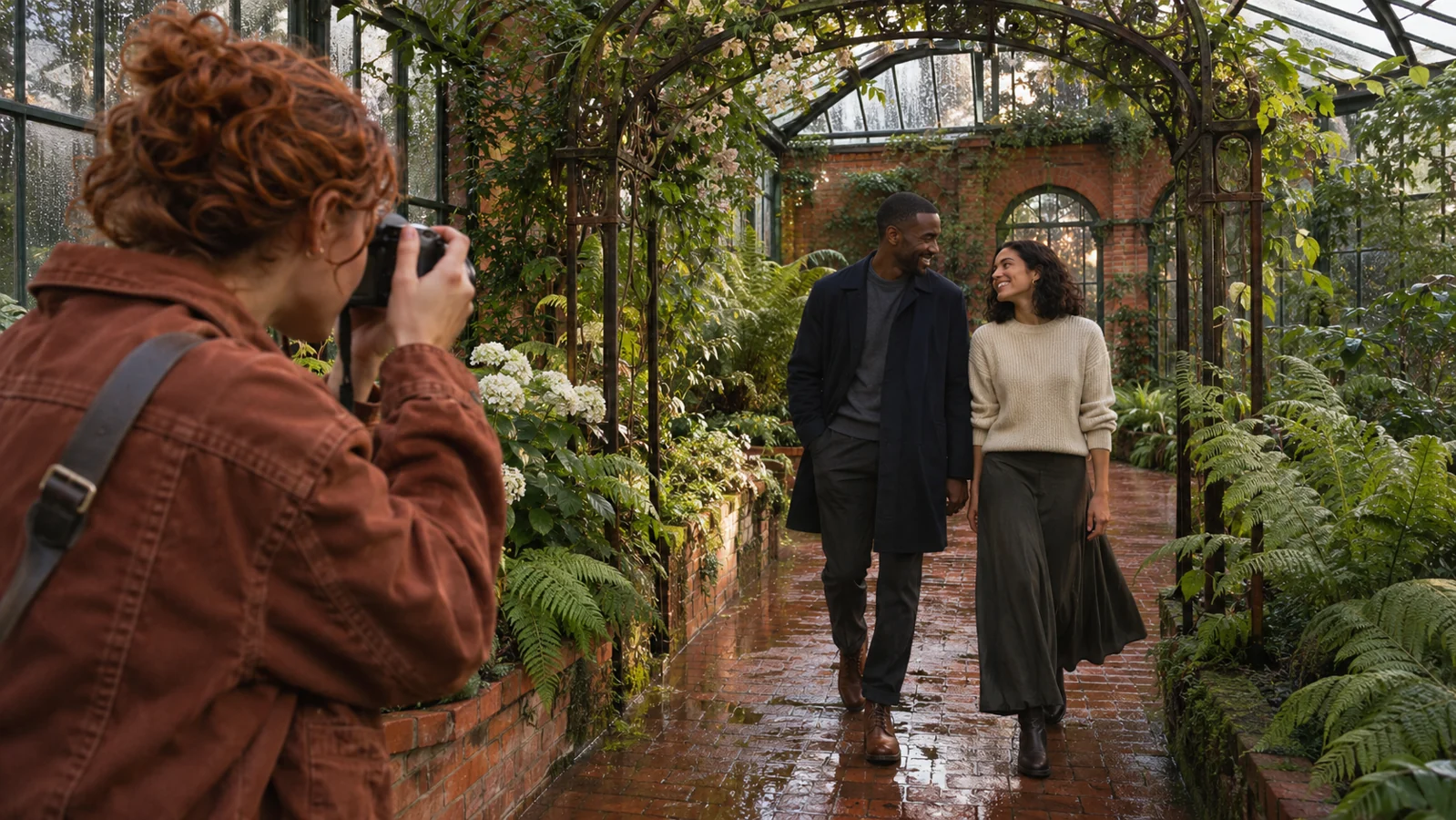
A parent looking for family portraits wants to know whether the session includes files they can print. A marketing manager looking at the same photographer’s site wants to know whether the images can run in paid ads. Both can like the work and still leave if a professional photography website shows the photos without answering their questions.
A professional photography website should help clients find the right specialty, see a complete example, understand what they’ll receive and how they can use it, and take the right next step. A client who needs a few headshots may be able to book a standard session. A business planning a product launch needs a scoped quote before it chooses a date.
Use the free photography booking worksheet to map what each package includes, how clients can use the images, and what to ask before they book.
Key Takeaways
- A professional photography website should clearly address client needs and questions to facilitate bookings.
- Organize content by specialties like portraits, commercial work, real estate, and events to guide clients effectively.
- Clearly explain deliverables and usage rights to set proper expectations before clients commit.
- Use different inquiry paths for standard sessions and customized quotes to streamline the booking process.
- Make navigation user-friendly for booked clients to access preparation details and proofs easily.
Give each kind of client a clear starting point
Start with the work you actually want to book. A general “Photography Services” page can introduce your specialties, but the links should tell clients where to go. “Family Portraits,” “Product and Brand Photography,” and “Real Estate Listing Photography” each answer a different buyer question. A specialist with only one offering can make that service the homepage focus.
- Portraits. Say who the session is for, where it can happen, how clients select images, and whether edited downloads, prints, or albums are included or bought separately.
- Commercial and brand. Show the problems you can solve, such as consistent catalog images or a coordinated set of website and campaign assets. Explain how the shot list and intended use shape the quote.
- Real estate. Make the property types, service area, listing deliverables, and delivery process easy to find. Give agents a way to flag an upcoming listing date and explain who will arrange access.
- Events. Explain how you scope coverage by venue, schedule, and key moments. An organizer who needs same-day press selects should have a way to ask about them before assuming they’re included.
Only show the categories you serve. If a headshot buyer might be booking for one person or a team, make both routes visible on the headshots page. The guide to what to put on a service page offers a framework you can use for each specialty.
Build portfolios around what clients hire you to do
Show a coherent set from the same assignment where you have permission to display the work. For product photography, that could mean a white-background image, a detail shot, and a styled image that shows the item in use. For an event, show the room, a key moment, and the kinds of guest or speaker images an organizer can expect. A family portrait gallery might show the full group, smaller combinations, and an example of how the location affects the look.
A short caption can do more than describe the lighting. Explain the assignment, a constraint, or how the photos were delivered. If you show a self-directed studio shoot, label it as a sample project. It can demonstrate your approach without implying a client commissioned it.
Link each portfolio to the matching service and inquiry. On your phone, try opening a gallery from a service page and getting back to its booking button. If images crowd out the page controls or take too long to open on cellular data, start with this mobile website usability check.
Explain deliverables and usage before the client commits
Give each package or quote path three separate lines: what the shoot covers, what the client receives, and what use is included. If you show a starting price, say what it buys and name the factors that move the quote. Coverage time, number of products or people, retouching, and usage can affect different parts of the job. See the guide to showing prices on a service business website for ways to set expectations when the final price depends on scope.
| Example | Shoot and delivery | Image use |
|---|---|---|
| Family portrait session | One location and a private selection gallery. Ten edited digital files after the family makes its selections. | Personal sharing and printing as specified in the agreement. Albums and extra files can be ordered separately. |
| Product shoot for a new collection | Agree on products, shot types, final image count, crops, and retouching before quoting. | Quote for the buyer’s specified channels. Ask separately about paid ads, packaging, retailer use, and duration where those matter. |
These are illustrative offers. Replace the quantities, channels, and terms with what your business actually provides. Also explain when the delivery clock starts, whether clients need to approve proofs, and how long the gallery stays available. If you deliver edited files only, say so before a client asks for raw files.
In the United States, receiving a copy of a photograph generally does not transfer its copyright. The U.S. Copyright Office’s photography guide explains the distinction. Describe what your own agreement permits in everyday language. For example, a company website and paid ad campaign are two different uses to ask about. If another business, such as a retailer, also needs the files, ask who will use them and where. Keep the detailed terms in the signed agreement.
For listing photography, ask which multiple listing service (MLS) or other listing platform will receive the images. CRMLS’s guide to professional photographs illustrates why this question matters for that MLS. Have the agent identify the rules that apply to their listing, and clarify any separate uses, such as reuse after the property sells. Keep client permission to use the photos separate from any permission your studio needs to feature the shoot in its public portfolio.
Use different inquiry paths for standard sessions and custom quotes
Offer direct booking when the package, calendar, and location rules are predictable. Show what the appointment includes, whether payment is due, and what happens if the client needs to reschedule. If you need to confirm venue access, coverage, or image usage first, use “Request a Quote” or “Check Availability” and explain when the date becomes firm.
A short form can ask everyone for contact details, the service they need, their preferred date or deadline, and the location. Then show the questions that affect the next decision:
| Request | Ask for | Why it helps |
|---|---|---|
| Portraits or headshots | Number of people, preferred location, intended use | Route an individual portrait differently from a staff headshot day. |
| Product or brand shoot | Number of products, desired image types, channels, deadline, and any additional users | Identify whether the client needs a repeatable catalog setup, a campaign shoot, or both. |
| Listing photography | Property type, town or ZIP, launch date, and delivery destination | Check coverage and handoff requirements before asking for detailed access instructions. |
| Event coverage | Date, venue, hours, key moments, and any same-day delivery needs | Determine whether the schedule and requested files are workable before quoting. |
Give people a “Not sure yet” choice for details they may need your help to decide. Make reference links or sample uploads optional unless you need them to review the request. Save door codes and other access details for a direct follow-up.
Confirm what actually happened after submission. A custom-quote confirmation could say, “We received your request. We’ll review the date, scope, and planned image use before confirming availability. Your date is reserved once we confirm it under our booking terms.” Use language that reflects your actual process.
Make the website useful after booking
Give booked clients a clear path to preparation instructions, schedule changes, proof selection, and gallery access. A portrait client may need wardrobe and meeting-point details. A product client may need shipping instructions, a shot-list approval deadline, and a plan for returning samples. An event organizer may need to know where to send the run of show.
A visible “Client Galleries” link can direct people to the right login or explain how to find their gallery invitation. Keep private galleries and invoices behind the appropriate access controls, and tell clients what to do if their download link expires.
Test one portrait inquiry and one commercial inquiry
Ask someone unfamiliar with your site to run both paths on a phone. Can they find the right specialty and see a relevant set of images? Can they say what files they’ll get and what use is included? Do they know whether they just booked or asked for a quote? Finally, check that the person who replies can see the date, intended use, and other details the visitor entered. Fix the first point where either person has to guess.
Get Your Free Photography Booking Worksheet
Want a second set of eyes on the path from portfolio to inquiry? We’ll look at where clients might hesitate and point out specific improvements.