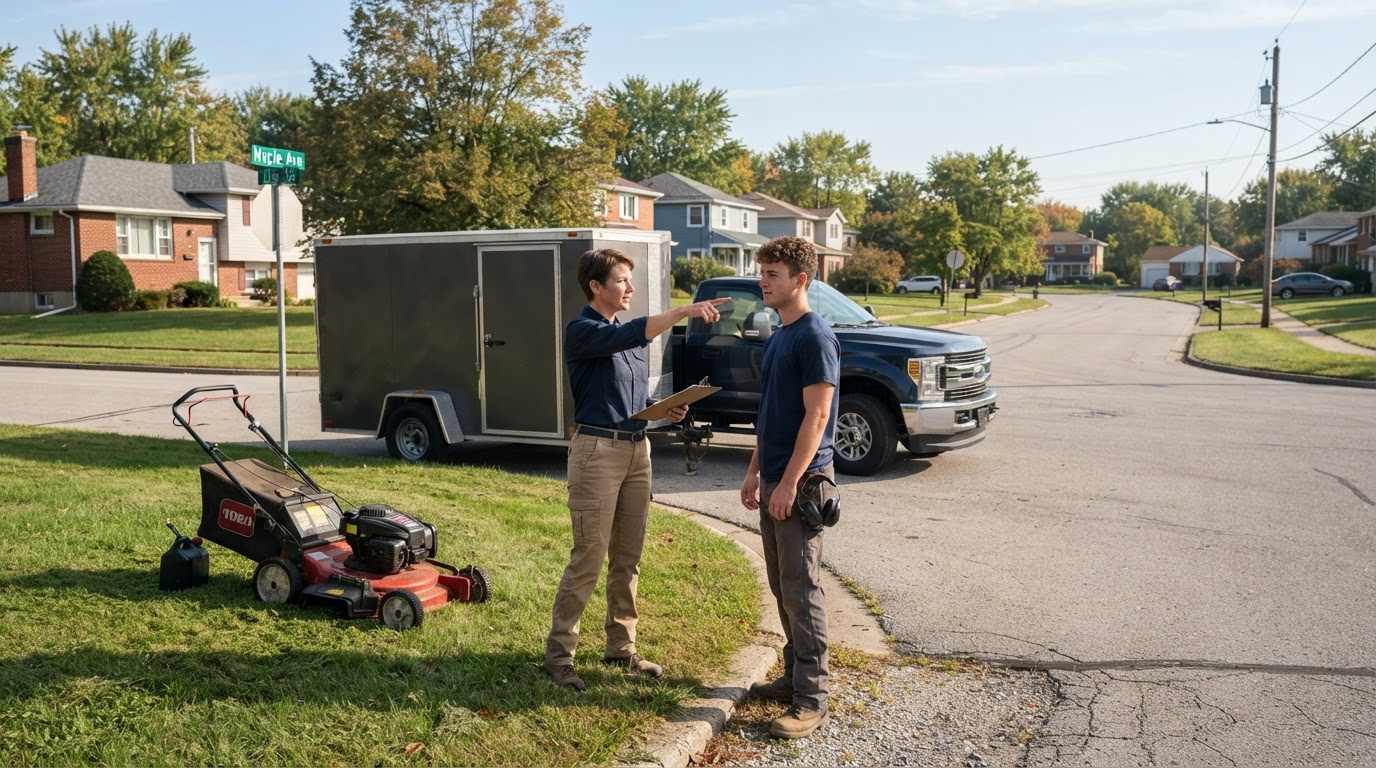
A landscaping company can be willing to install a patio 25 miles away and still be unable to add one weekly mowing stop just 12 miles from its shop. That is not inconsistent service. It reflects two different operating models: a recurring route that needs enough nearby stops to work efficiently, and a project crew that can schedule a larger block of work.
Yet many landscaping websites display one long list of towns and a single “Get an Estimate” button. A homeowner in the outermost town has no idea whether weekly mowing, spring cleanup, planting, and hardscaping are all available there. A more useful approach is to make service-area pages reflect where each type of work can actually be delivered—and to give people a clear way to check borderline addresses.
This is a focused guide to turning real routes and capacity into useful location content. For the broader site essentials, start with our landscaping website checklist.
Get the Landscaping Route Coverage Worksheet to check your own website as you work through this guide.
Start with a service-by-service coverage map, not a list of cities
Before changing your website, ask the person who schedules crews to mark the current service area by service, season, and route. A town on a sales list may contain only one commercial account. A neighborhood just outside your regular mowing loop may be practical for a full-season contract but not a one-off visit. Treat those as different facts.
One useful internal planning table has these columns: service, town or neighborhood, current route or crew, capacity, restrictions, and website wording. It does not need to display customer addresses or your exact route schedule to the public.
- Recurring mowing: Is this on an established weekly route, an area you could expand into, or outside your current route?
- Landscape installation: Which communities can project crews consider after reviewing travel, scope, and job size?
- Seasonal cleanup: Does the work follow the maintenance route, or is coverage temporarily broader during a planned service period?
- Snow, irrigation, or specialist work: If you offer these services, do their crews and coverage differ from summer maintenance?
For example, imagine a company with recurring mowing concentrated in three adjacent neighborhoods, spring cleanup available across the surrounding municipality, and patio projects considered throughout the county. Those are illustrative coverage rules, not a claim about any actual company. The website should translate that matrix into a decision a customer can understand.
Distinguish three useful coverage statuses
A city name by itself makes the visitor guess. Instead, define clear labels that match what your office will say on the phone.
- Currently served: You have a regular route or active service capacity in the area for that specific service.
- Review required: The address may work depending on project scope, schedule, crew availability, or proximity to existing stops.
- Not available: You do not currently accept that service in the location. Say so rather than collecting details under an implied promise.
Do not present “currently served” as a guarantee of immediate openings. Your site can say “We currently maintain properties in the west-side neighborhoods; new weekly customers are accepted as route openings allow.” If you cannot confidently offer a stated response time, avoid inventing one.
Where coverage varies street by street, use “Check My Address” or “Ask About Route Availability” instead of pretending the whole ZIP code is covered. Neighborhood names are helpful context, but they are not always precise boundaries.
Example one: a weekly mowing route
A visitor searching for weekly lawn service in the next town needs an answer quickly. The relevant page should state the actual maintenance area, explain that enrollment depends on route capacity, and give a route-specific contact action.
What the page could say
“We offer recurring lawn maintenance in the neighborhoods on our regular north-side route. If your property is near that area, send us your street or ZIP code and the type of service you need. We’ll confirm whether we can add your address before discussing a start date.”
The form should collect a location and whether the request is recurring or one-time. If office staff use property size, access, or desired frequency to assess route fit, ask for those fields too. Keep the acknowledgment clear: “Your inquiry was received; service and scheduling are not confirmed.”
This is different from the maintenance-versus-installation estimate form, which helps collect job requirements. Here, the key decision is whether the address belongs to a route the company can realistically support.
Example two: patio installation beyond the mowing area
A prospective customer may live beyond the maintenance radius yet be a reasonable fit for a patio or retaining-wall project. A blanket “We do not serve your town” message would unnecessarily turn them away; a blanket “We serve the whole county” statement would mislead people looking for mowing.
The installation page could instead say: “We consider patio and landscape construction projects across the greater county area. Share your location, project type, and approximate scope so our team can review availability. Weekly lawn maintenance has a smaller service area.”
The location field should still be checked, but the next step can be a project review rather than a yes-or-no route determination. Ask for the planned work, site access and preferred timing without implying the company will accept every project. A customer looking for grading or planting may have a different crew and project-size threshold; state any confirmed distinction.
If your seasonal installation calendar fills, update availability messaging without deleting the real coverage information. Our separate guide on seasonal landscaping inquiries explores how to avoid promising start dates before your team can confirm them.
Build the page around customer questions, not town-name repetition
A service-area overview page can summarize the company’s working territory and link to maintenance and installation coverage. Most landscaping companies do not need a separate thin page for every nearby municipality. A specific town page becomes useful when a material fact changes—for example, one town is included in a regular mowing route while another is installation-only, or there is a real local service team with different availability.
If the same service, crew, terms and examples apply everywhere, one accurate regional page may be more helpful than ten almost-identical town pages. Our guide to deciding whether a city deserves its own page explains the broader content test. Google’s Search spam policies also warn against doorway pages built to target similar searches without adding real user value.
A useful location page should answer what the visitor can actually do: which services are offered here, whether the location is on a routine route or reviewed individually, whether the company has project examples relevant to the area, and what to expect after submitting an address. Use genuine project photos with permission; never invent a local office or imply a crew is permanently stationed where it is not.
Make the service-area statement consistent with the Business Profile
Your website and Google Business Profile should not tell incompatible stories about where you work. Google provides instructions for setting service areas and says the overall area generally should not extend beyond about two hours’ driving time from the business base. That guidance is about Profile settings, not a promise that every service you advertise can be scheduled at every address within that area.
If you visit customers rather than receive them at a staffed storefront, follow the applicable address-display rules. Do not set up invented locations or a separate Profile for each town you mow. On your own website, a more detailed maintenance-versus-installation explanation can coexist with a broader, accurate Business Profile service area.
Give borderline properties a graceful next step
Your coverage information should acknowledge uncertainty without becoming vague. An address checker can be a simple form routed to your scheduling team; it does not require an elaborate map or an expensive third-party subscription.
- Ask for the address or ZIP code: Explain why your team needs it, and do not demand more customer details than necessary at the first stage.
- Ask which service is requested: Recurring mowing, one-time cleanup, installation, or another actual offering; multiple selections should be possible when useful.
- Ask whether the schedule is recurring or a single project: This helps a dispatcher distinguish route capacity from project scheduling.
- Show a truthful confirmation: A submitted form does not mean the address or start date is approved.
- Route the inquiry to the right person: The maintenance scheduler should receive maintenance leads and the project estimator should receive installation leads.
For a location your team already knows it cannot serve, a respectful response is better than silence. You might say that the requested service is not currently available there and invite the customer to explore a different service only when that alternative is genuinely offered.
Turn operational changes into a website maintenance routine
Routes evolve. A crew may stop covering a distant neighborhood, a new commercial contract may support a cluster of recurring stops, or a formerly open area may become unavailable until the next season. That makes service-area pages an operational asset, not a one-time SEO project.
Choose an owner for coverage updates—often the office manager, scheduler, or operations lead. Give that person a short review trigger: update the relevant page when a route opens or closes, a service radius changes, a seasonal program ends, or installation coverage is revised. If you have a downloadable service-area sheet, make sure it is updated alongside the website rather than contradicting it.
Do not publish your exact crew schedule or customer list. The customer needs enough truth to decide whether to inquire, not the logistical details of your operation.
A 15-minute landscaping service-area audit
Open your site on a phone and try these checks without relying on what you know as the business owner:
- Find the difference between your weekly maintenance coverage and installation coverage in fewer than two taps from the homepage.
- Search the name of a town where you take installation projects but not mowing clients. Does the landing page explain the distinction?
- Check a neighborhood on the edge of a recurring route. Can the visitor ask whether their address fits without being promised an opening?
- Try a ZIP code outside all current service areas. Does the wording remain accurate, and can the office handle the inquiry correctly?
- Submit a staff-approved test request. Confirm the service, address, and route notes reach the correct inbox and that the confirmation does not promise approval.
- Review one location page against the current route sheet. If the operations team would correct the webpage, update the public wording.
A worksheet can make those conversations faster. Use a simple matrix with columns for community, recurring maintenance, one-time seasonal work, installation, and “customer-facing next step.” Then mark the first three discrepancies your office should resolve. That is more useful than compiling every town name in your region.
Get the Landscaping Route Coverage Worksheet
Use this one-page worksheet to compare maintenance routes, installation territory, capacity messages, and inquiry confirmations. Enter your name and email below and we’ll send your copy.
Get Your Free Landscaping Route Coverage Worksheet
What a trustworthy service-area page accomplishes
An accurate page can prevent preventable estimate requests, reduce disappointing callbacks, and help the right customer get to the right service team. It will not eliminate all borderline requests or guarantee a search ranking. The goal is simpler: match the promise on the screen to the work crews can actually do.
If your landscaping website shows one generic service area for every kind of work, Industry Ignitors can review your website and online presence and identify where clearer service and location paths could help customers make an informed inquiry.