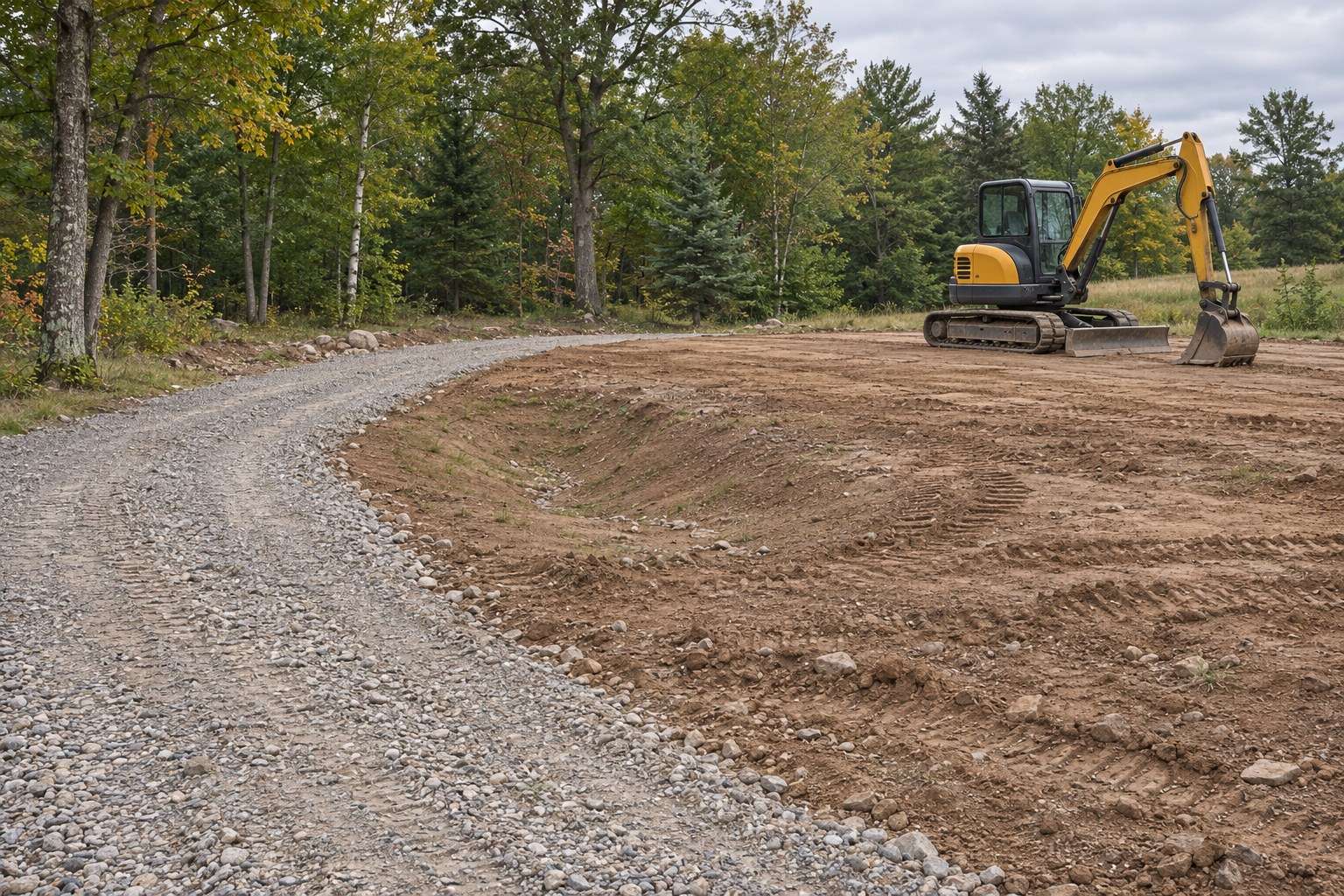
A homeowner sees water pooling beside the garage after every hard rain. A builder needs a bid on a pad and utility trenches before the next trade can start. Both need an excavation contractor, but the first person has photos and a problem to describe. The second has a plan set, a bid deadline, and questions about who handles the tie-ins.
An excavation contractor website should help each visitor identify the work your crew takes on, check whether you serve the job site, and send enough detail for you to decide what comes next. For one inquiry, that might be a site visit. For another, it might be a request for a missing drawing or a conversation about where your scope ends.
If you are checking your own site, start with the three paths for a project inquiry. Try each one on your phone using the information a customer would have on their first visit, and use the Excavation Site Readiness Worksheet to note what’s missing.
Key Takeaways
- An excavation contractor website should guide visitors in submitting project inquiries, whether for homeowners or builders.
- Clearly show the services offered, including grading, drainage, and utility trenching, with examples to help potential clients understand your capabilities.
- Set up individual inquiry paths for different projects, allowing customers to describe their needs and upload relevant documents easily.
- Explain responsibilities regarding utilities and permits upfront, and direct customers to local resources for utility locating.
- Test the website by simulating different user inquiries to ensure easy navigation and effective information delivery.
Show the work your crew actually takes on
A service list is a start. A useful service page answers the questions people ask when they are deciding whether to call. Explain which jobs fit your crew, what the customer should send, and what you need to see before you can estimate the work. Our guide to writing service pages that help customers decide has a structure you can use for each page.
Grading and drainage
Some homeowners will search for “water pooling by garage” before they think to look for grading. Describe problems your crew evaluates, such as a low spot along a gravel drive or runoff that repeatedly crosses a side yard. If you handle finish grading on new construction as well as corrective grading on existing properties, show both with separate examples. Explain when a drainage question may need a site visit or input from another specialist before you can define the work.
Utility trenching
Name the types of trenching or utility work you actually perform. If another trade supplies or installs the line, say where your work starts and ends. For example, a contractor that digs and backfills trenches for customer-arranged electrical work can explain who provides the proposed route, who installs the conduit, and who coordinates the handoff. Use language that matches your real scope and local requirements.
Site development and foundation excavation
Show what a builder can hire you to handle, such as stripping topsoil, cutting a building pad, excavating for a foundation, or preparing subgrade for another crew. Identify the handoff point. If staking, testing, imported fill, or haul-off depends on the bid, say those items are confirmed during review. If you also do standalone clearing or small residential jobs, make that visible so customers can tell whether they need a full site package to reach you.
Make it easy to check location and access
List your usual service area and ask for the job site town or ZIP code. A contractor’s office and the property may be in different counties. If you travel farther for certain scopes, describe which jobs you consider outside the core area and how to ask. If you are deciding whether to add individual location pages, see when a separate service-area page makes sense.
Access belongs on your site as well as on your estimate form. Give examples that customers can recognize, such as a narrow gate, a shared drive, an overhead line, or a steep approach. Invite an overview photo if they can safely take one from where they already have access. An owner can flag a constraint even if they have no measurements. Your crew can decide what needs to be checked during a visit.
Give each project inquiry its own path
Start with contact details, job location, and a choice of project types. Include “I’m not sure” so a customer can describe the problem in their own words. Show follow-up questions based on the work they select. A homeowner should be able to start without a plan set, and a builder who already has plans should be able to send them to the right person.
- Grading or drainage. Ask where water collects or flows, when it happens, and what is nearby. A prompt like “Does this happen after every rain or only after heavy storms?” gives the estimator a better starting point than a required field labeled “Describe your grading needs.” Offer optional photos or a simple sketch.
- Utility trenching. Ask what the trench will serve, where it would start and end if known, and whether another trade is involved. Let customers flag a known private line, such as power to a detached garage. A customer’s sketch helps you discuss the proposed route. The location of buried facilities still needs to be verified through the applicable process.
- Site development or foundation excavation. Ask for the project address, the scope they want you to price, the bid due date, and whether plans are available. Accept a plan link or offer an alternate way to share files if your form has size limits. Ask for the latest revision date when several plan sets are circulating.
Tell customers what to expect when they hit submit. For example, “We’ll review the job location and details you sent. We may ask for drawings, access information, or a site visit before preparing an estimate.” If you assign work to different people, route residential requests to the person who handles site visits and plan-based bids to the estimator. Give current customers a separate contact path for schedule changes or sending revised drawings if your team can support it.
Check what your inquiry form captures
Use the Excavation Site Readiness Worksheet to test what your website collects about the job, site access, and available plans before your team follows up.
Get Your Free Excavation Site-Readiness Worksheet
Explain how you confirm responsibilities before digging
Use a short “Before work begins” section to explain when the project team confirms utility locating, private lines, permits, and erosion controls. Assign responsibilities in the actual scope of work. The website can tell the customer who will discuss each item and when.
Direct customers to their state’s 811 center for the local process. Wisconsin’s Diggers Hotline homeowner FAQ explains that privately owned lines may need separate locating and gives examples including irrigation and electricity to an outbuilding. A photo of utility flags or a note from the property owner can help start a conversation, but your team still needs to confirm what applies to the job.
For projects involving broader land disturbance, tell visitors when your team discusses who will handle stormwater permitting and erosion controls. The EPA’s construction stormwater overview explains why the amount of land disturbed and the larger development plan can matter. Have the project team confirm applicable requirements with the relevant permitting authority before anyone relies on a general statement from your website.
Show the conditions your crew worked with
A gallery full of excavators tells visitors you own or operate equipment. A project example can show whether you have handled a site like theirs. Choose projects you have permission to share, and caption the photos with the job, the constraint, and the point where your work ended.
For a tight residential site, show the access route and the area you regraded. For a commercial pad, show what the site looked like at the handoff to the next trade. Use before-and-after views from similar angles when you can. Only include credentials, coverage, or qualifications your business can verify. If a builder needs a certificate or bid paperwork, show how to request it.
Test the site with two different inquiries
Open your website on a phone. First, try it as the homeowner with a wet side yard and two photos. Can you find grading or drainage, check your town, and send a request without supplying drawings? Then try it as a builder with a large plan set and a firm bid deadline. Can you find where to send the plans and make the deadline visible to the person who estimates the work?
If you control the website, confirm each test reaches the intended person with the right details. Try a file that exceeds your upload limit and make sure the visitor gets a workable alternative. Use the contact form testing guide to check confirmation and delivery from both sides of the form. Fix the first point where a customer gets stuck or your estimator loses information they need.
Get a Free Website Review
If your excavation contractor website sends every inquiry through the same message box, start with the type of job your crew wants more of. Make that service easier to find and give that customer one clear way to send the details you need. Industry Ignitors can review your website and online presence and point out specific improvements.