A homeowner needs to replace a cracked driveway. Another wants a stamped patio behind a fenced yard. Both tap “Request an Estimate,” but the driveway customer needs to tell you what’s coming out and whether the work reaches the street. The patio customer needs help picking a finish and may have no idea how your crew will get around the house. If both land in a generic message box, your estimator starts from scratch.
A concrete contractor website should show the jobs you take, where you take them, what finished work looks like, and what information helps you decide whether a site visit makes sense. Give each customer a path from a project they recognize to an estimate request they can finish on a phone.
See what to ask on the driveway and patio estimate forms, or download the Concrete Project Scope Worksheet to compare your own forms.
Key Takeaways
- A concrete contractor website should clearly show the services offered and the areas covered to help customers easily find relevant jobs.
- Use distinct pages for each job type, detailing necessary information and linking to examples of completed projects for better customer understanding.
- Ask tailored estimate questions for different jobs, like driveways and patios, to streamline the inquiry process and gather relevant details.
- Explain the steps before and after the project, ensuring customers know what to expect and how to prepare for the work.
- Test the website's usability on mobile devices to ensure customers can easily navigate and submit estimates on the go.
Make it easy for customers to find their kind of job
Start your homepage with the work you want to quote and the area you actually cover. “Driveways, patios, and garage slabs in the western Milwaukee suburbs” gives a homeowner a faster answer than “residential and commercial concrete solutions.” If your crews travel farther for commercial work than for residential jobs, show that difference beside the relevant service.
Give distinct jobs a clear home. On a driveway replacement page, explain the surfaces you remove, whether you take on expansions or driveway approaches, and when you need to see the existing slab. A decorative concrete page should show the patterns and finishes you actually install. For poured foundations or commercial flatwork, tell builders and property managers whether you work from plans, how to share a bid deadline, and which projects you accept. A residential gallery can sit alongside that commercial route without getting in its way.
Use the questions your office already answers to decide what belongs on each page. If people regularly call about lifting or resurfacing but you only replace slabs, say so next to the estimate button. The Industry Ignitors guide to writing a service page can help you turn those calls into clear page copy.
Show the whole job and the finish up close
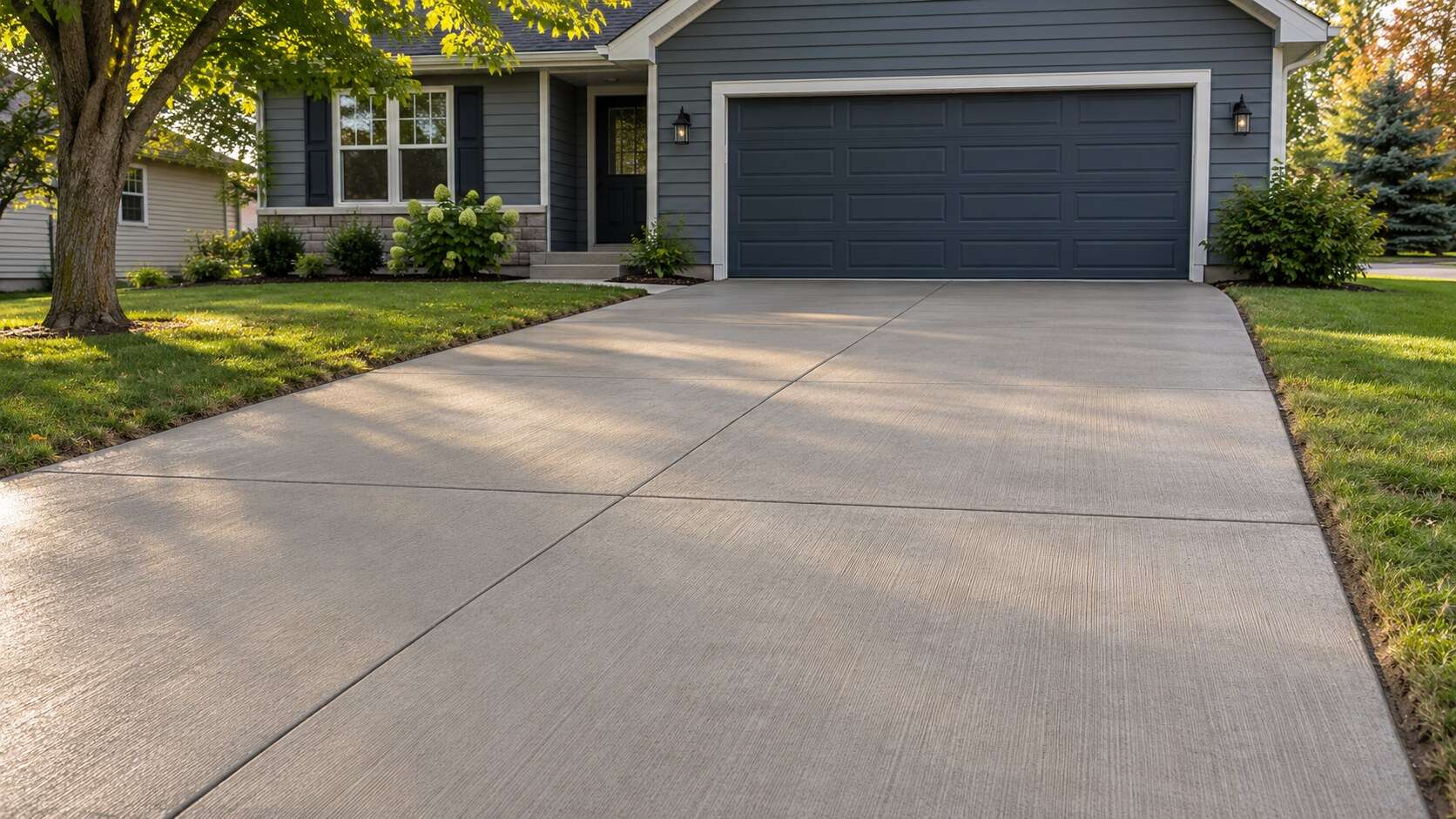
Choose project photos by the decision they help someone make. For a driveway replacement, lead with a wide photo showing how the driveway meets the garage, walkway, and street. Pair it with a before photo from roughly the same spot and a close-up of the actual finish. A caption such as “Broom-finished driveway replacement with an expanded parking area” gives the customer a reason to look more closely.
For a stamped patio, use a wider photo to show the shape and how it connects to the house. Add a detail shot in natural light so the customer can see the pattern, color variation, and edge treatment. Caption the photo with the finish and pattern your crew installed. When someone shows you a picture from your site, you should be able to tell which project they mean. Discuss color and sample choices during the estimate so the photo serves as a reference for the conversation.
Use photos of your own work with permission. Leave house numbers, plates, and identifying details out of published images. Put a few relevant projects on each service page so a visitor can see your work without opening a separate gallery. Include current credentials or insurance details where they apply and give customers a way to verify them.
Ask different estimate questions for driveways and patios
Start with project type, city or ZIP code, name, and one usable contact method. Then ask only for details that change the first conversation. “Approximate is fine” and “I’m not sure” let someone keep going when they’re standing outside with a phone and no tape measure.
Driveway replacement request
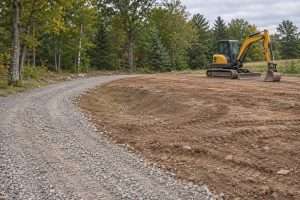
- Existing surface and work needed. Ask whether it’s concrete, asphalt, gravel, or bare ground, and whether they want to replace, widen, or add a driveway.
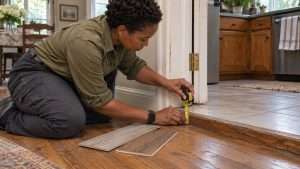
- Approximate size. Let them give rough length and width, or describe it as a two-car drive with an extra parking pad. Verify measurements before you price the work.
- Where the work ends. Ask whether it reaches the sidewalk or street. A driveway approach can introduce a separate local question. The City of Waukesha’s development handbook gives one example of how a city handles driveway approach permits. Check the local authority for the property and explain who will handle any applicable permit before work begins.
- Photos and access. Invite one wide photo from a safe spot on the property and one close-up of the surface. Ask if the driveway is the only way to reach the garage or if there’s a parking constraint.
Decorative patio request
- New patio or replacement. Ask what’s there now and where the patio will meet the house, steps, or walkway.
- Size and finish. Ask for approximate dimensions or a rough idea of the usable space. Offer choices such as stamped, colored, broom-finished, or “help me choose,” limited to what you actually install.
- Path to the work area. Ask about gates, fences, slopes, and stairs between the street and backyard. A customer who doesn’t know the gate width can send a photo or mention the gate in the form.
- Reference and timing. Let them share a finish example or note a target date, such as a graduation party. Make it clear that the date is a preference you’ll discuss.
Here’s how those two paths change your first call. A 20-by-40-foot driveway replacement that reaches the sidewalk gives you a reason to confirm the work boundary and where the household can park. A 20-by-40-foot stamped patio behind a narrow gate puts backyard access and finish selection first. The area is the same. The conversation and the scope are different.
For commercial work and foundations, use a separate inquiry path for project address, scope, drawing availability, bid deadline, and site contact. Let customers request a secure way to share plans if your normal form doesn’t handle them. A separate path also keeps residential visitors from staring at fields they can’t answer. See these examples of different estimate forms for different jobs if you’re deciding how much one form should branch.
Explain what happens before and after the pour
Use the service page to explain the steps your company actually follows. Tell customers whether someone reviews photos first, what typically triggers a visit, and when they’ll get the written scope. If you offer ballparks, explain what you still need to confirm, such as removal, access, prep, and finish. If your crew sets visit times only after reviewing the request, use “Request an Estimate” and keep the confirmation clear. “We received your driveway request. We’ll review the details and contact you about the next step” gives someone a useful answer while they wait.
Give scheduled customers a short preparation page or confirmation email. For driveways, cover where to park and when the crew needs access. For patios, cover pets, gates, and moving furniture. Tell customers where to ask about a weather delay or get a copy of their project-specific care instructions. The National Ready Mixed Concrete Association’s curing guide explains the role of moisture and temperature in curing. Give your customers the walk-on and drive-on instructions for their own job instead of posting one blanket timeline for every surface.
Test the path on a phone before you change anything else
Ask someone in the office to use a phone to find a driveway replacement example, locate your service area, and start an estimate with no measurements. Then repeat the test as a patio customer who knows the finish they want but has no photo to upload. Confirm that both paths can be completed, that the confirmation says what happens next, and that the inquiry reaches the right person with the job type and any attachments intact. The mobile website usability check walks through what to look for on a real phone.
Keep a short list of the details your team still has to chase after every submission. If it’s always whether removal is included, make that driveway question clearer. If it’s always gate access, add a patio prompt showing what kind of photo helps. Start with one missing detail that routinely changes the estimate conversation.
Put your concrete project scope worksheet to work
Pick a driveway page and a decorative page. Look at each from the customer’s side, then write down what your estimator would still need to ask. Use the concrete project scope worksheet to compare the two paths and choose three changes to make first.
Get Your Free Concrete Project Scope Worksheet
If you’d like a second set of eyes, Industry Ignitors can review your website and online presence and identify practical improvements to the way customers find your work and request an estimate.